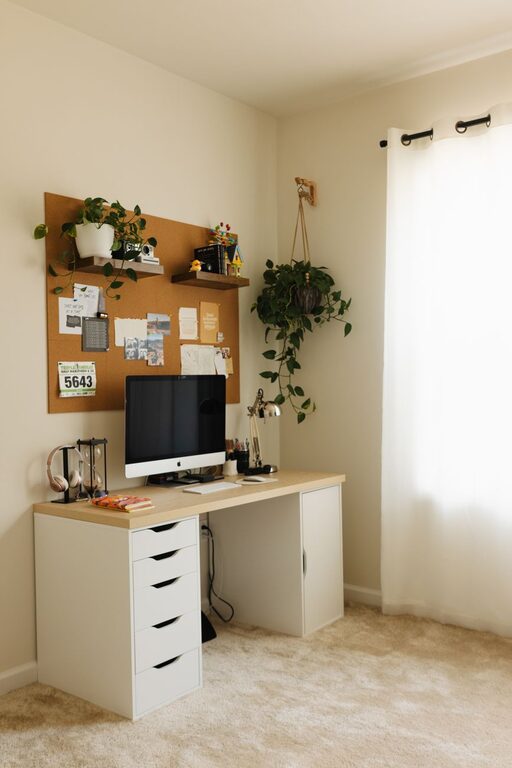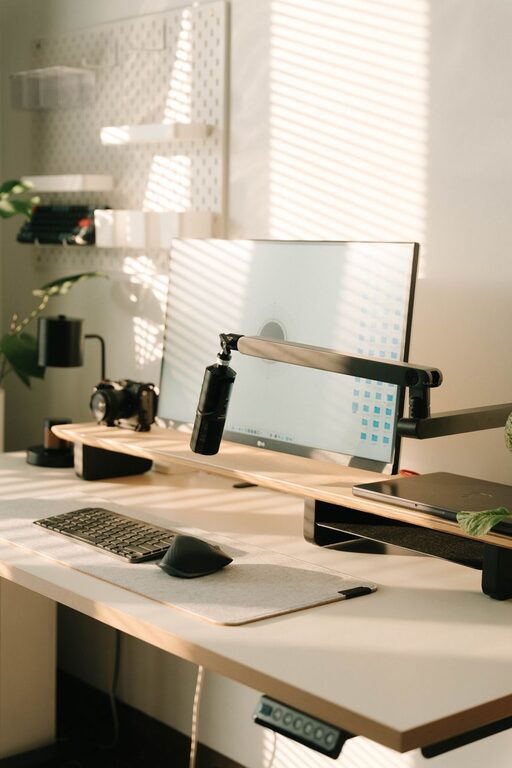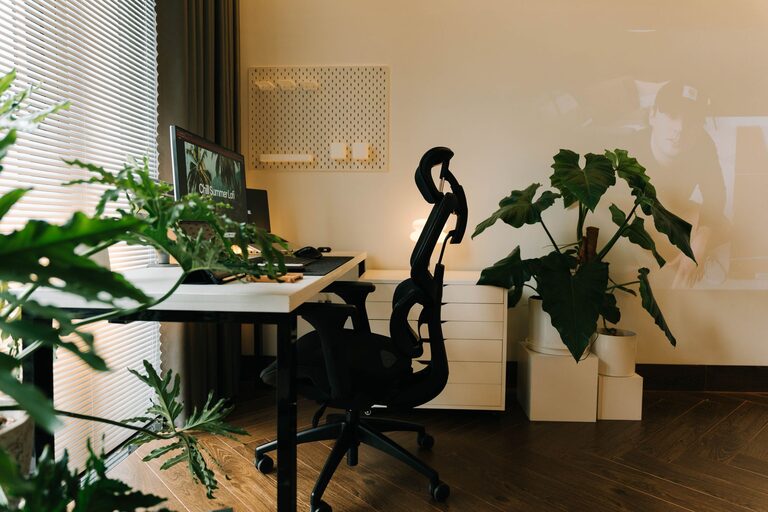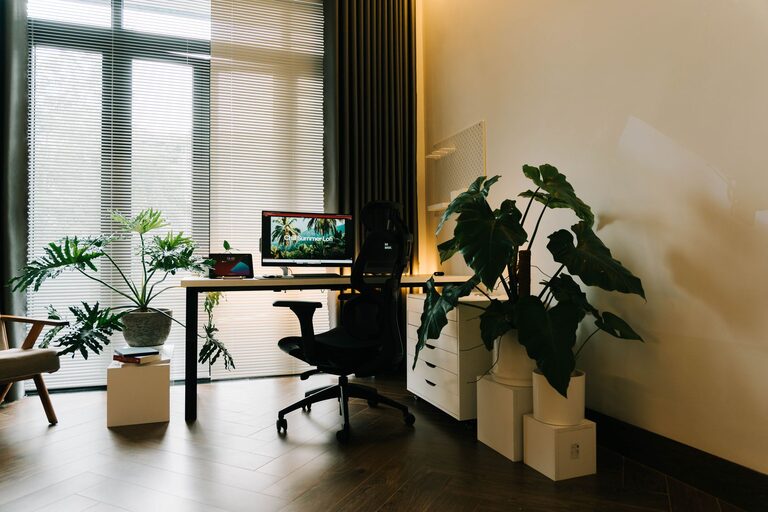
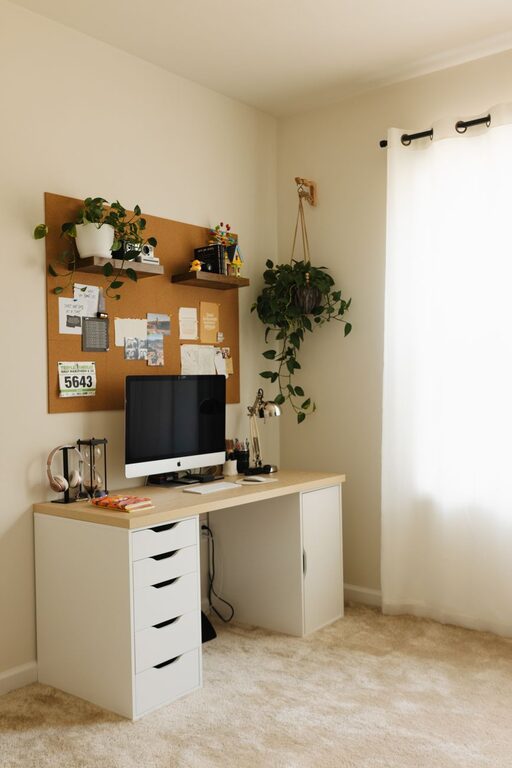
Creating a comfortable and productive home office space is essential for anyone working from home or managing personal projects. A well-designed workspace can improve focus, increase motivation, and reduce stress. Whether you have a dedicated room or just a small corner, these tips will help you transform your area into a cozy and efficient spot to get work done.
Choose the Right Location
The first step to creating a productive home office is selecting a suitable spot. Ideally, pick a quiet area with minimal distractions. Natural light is a big bonus—it helps keep you alert and positive throughout the day.
If space is limited:
– Use a corner in your living room or bedroom
– Consider a nook with a window
– Use room dividers or curtains to separate work from relaxation areas
Invest in Comfortable Furniture
Your chair and desk are the heart of your office. Comfort is key to avoid discomfort and maintain good posture.
– Opt for an ergonomic chair with good back support
– Choose a desk at the right height to keep your arms at a 90-degree angle
– Add a footrest if needed for extra comfort
Remember, a comfortable setup helps prevent fatigue and improves concentration.
Keep Your Space Organized
Clutter can quickly drain your energy and focus.
– Use shelves, drawers, and organizers to keep supplies tidy
– Keep only necessary items on your desk to avoid distractions
– Use cable management tools to keep cords neat
Set aside a few minutes at the end of each day to clear your workspace, so you start fresh the next morning.
Add Personal Touches for Coziness
Making your office feel inviting encourages you to spend time there.
– Use soft lighting like desk lamps or string lights instead of harsh overhead bulbs
– Incorporate plants to add a touch of nature and improve air quality
– Decorate with artwork, photos, or objects that inspire you
Balancing function with warmth creates a space you’ll want to return to every day.
Manage Noise and Distractions
Noise can be a major barrier to productivity, especially if you share your living space.
– Use noise-canceling headphones or play gentle background music
– Set ground rules with family or roommates about your work hours
– Consider adding rugs or curtains to absorb sound
Creating a peaceful environment will help you stay focused longer.
Optimize Technology and Tools
Having reliable and efficient tech tools supports smooth work flow.
– Invest in a good-quality monitor or laptop stand for better ergonomics
– Use a fast internet connection and check that your devices are updated
– Organize digital files and use apps that streamline your tasks
The right technology setup reduces frustration and saves time.
Establish a Routine and Boundaries
Your space can only do so much if boundaries aren’t set.
– Designate work hours and stick to them
– Take regular breaks to stretch and refresh your mind
– Avoid working from your bed or couch to keep work and rest separate
Clear routines help your brain switch between work mode and downtime.
Maintain Good Lighting
Good lighting reduces eye strain and boosts mood.
– Use daylight bulbs that mimic natural light
– Position your desk near a window if possible
– Add adjustable lamps to customize brightness
Avoid glare on your computer screen by positioning lights properly.
Use Color Wisely
Colors influence emotions and energy levels.
– Choose calming colors like soft blues or greens for relaxation
– Use brighter colors like yellow or orange sparingly to promote creativity
– Keep your palette balanced to avoid overstimulation
Experiment with colors to find what makes you most comfortable and focused.
—
Creating a cozy and productive home office is about more than just aesthetics—it’s about crafting a space tailored to your needs and habits. With thoughtful choices in location, furniture, lighting, and organization, you can build an environment where you feel comfortable, motivated, and ready to tackle your tasks efficiently. Try implementing these tips step-by-step, and you’ll soon enjoy a better work-from-home experience.
About the Author